
SeedProd includes access to a built-in library of stock images and photos that you can search and insert directly into your pages without leaving the builder. Stock image access is available as part of select license plans.
How to Access Stock Images
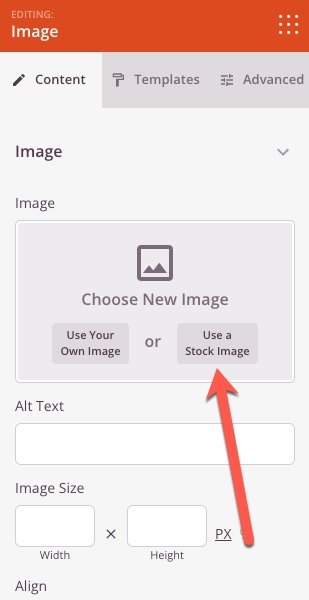
Whenever you insert or replace an image in the SeedProd builder — such as in the Image block, a section background, or any other image field — the image picker will include a Stock Photos tab alongside the standard Media Library option. Click the Stock Photos tab to search and browse the available images, then select one to insert it into your page.
Stock images are sourced from Unsplash and are free to use on your pages. Once inserted, the image is saved to your WordPress Media Library so it can be reused across your site.